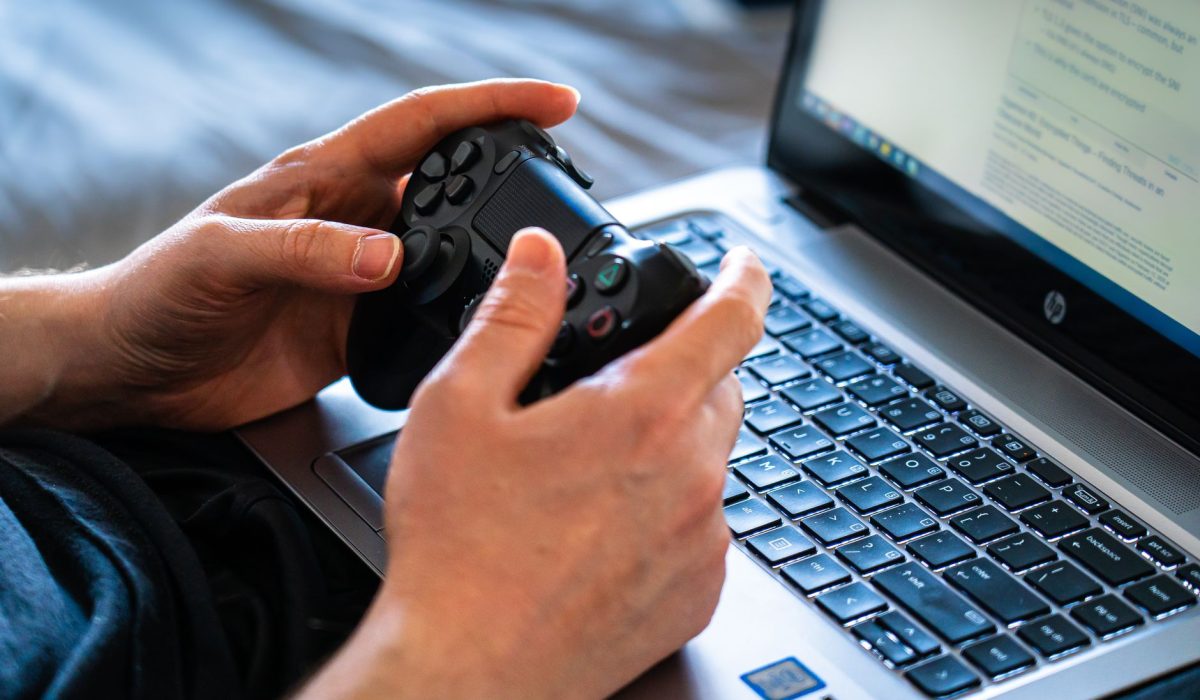
A touchscreen gaming laptop is a practical choice nowadays—it’s no longer just a gimmick collecting dust on a Best Buy shelf. This category has really come into its own. Brands that used to treat touch as a secondary feature are now actually engineering for it. The screens are high-quality enough that you likely won’t feel the need to turn off the touch functionality after an hour of use. Even so, finding the right one can take a bit of research. The tradeoffs are real, and prices can vary quite a bit.
The main tradeoff tends to be consistent: touch panels often add some glare, extra weight, and, in some cases, a minor decrease in contrast when compared to matte displays. In my experience, most buyers adapt quickly and rarely regret their decision, especially when they start to use the touchscreen for navigation and media beyond just gaming.
Top Touchscreen Gaming Laptops
You’ll often come across names like ASUS, HP, Lenovo, and Razer. ASUS ROG Zephyrus models have featured touch panels on select configurations since 2022. HP’s Spectre x360 is technically a hybrid, but the 16-inch version with an RTX 4060 easily handles most modern games at medium to high settings. Lenovo’s Legion lineup added touch options in 2023 while keeping prices competitive. Razer’s Book 13 is beautiful but leans more towards productivity, so it’s not ideal if raw gaming performance is your ultimate goal.
I’d say the HP Omen Transcend 16 is the one I’d recommend most people check out right now. It boasts a solid 2.5K touch panel, runs an RTX 4070, and doesn’t throttle badly under sustained loads. Touchscreen responsiveness on that model is quick—around 10ms latency—which is pretty crucial if you’re using it for interactive tasks.
Understanding Performance Specifications
For a touchscreen gaming laptop to remain effective in 2025, you really want at least an RTX 4060 (or an AMD RX 7600M equivalent) paired with either a 13th-gen Intel Core i7 or a Ryzen 7 7745HX. Anything below that, and you’ll likely feel it in newer titles at 1440p. RAM-wise, 16GB DDR5 is the bare minimum; better to go for 32GB if you multitask or stream a lot.
The display specs are especially important here. Touch panels have to find that balance between refresh rates and digitizer responsiveness. Most decent options come with 165Hz to 240Hz panels. While those 240Hz touch screens still lag a bit compared to their non-touch counterparts in terms of panel uniformity, the difference has gotten smaller. Storage should ideally be at least 1TB NVMe; games take up a lot of space pretty quickly.
Price Range
You’re realistically looking at prices between $1,000 and $3,000 for a touchscreen gaming laptop worth owning. The lower range, about $1,000 to $1,400, gets you RTX 4060 configurations with 1080p or 1440p touch panels. The mid-range, roughly $1,500 to $2,200, is where you’ll find RTX 4070 and better display options. Above $2,200, you enter RTX 4080 territory with premium build quality; and the touch panels are generally excellent in that price bracket.
Don’t consider anything below $1,000 if you want a decent touchscreen experience. Those cheaper models often come with noticeable input lag, and the digitizers can feel pretty mushy. In my view, opting for a budget option actually makes you want to disable the feature.
Screen Size and Experience
Most models land around 15.6 inches or 16 inches, while you’ll find some 17.3-inch options for those who don’t move their laptop much. A 15.6-inch touch panel is easier to reach during gameplay, which might sound obvious but really changes how you use the touchscreen feature. The larger 17-inch models offer better immersion and are great for productivity but can feel awkward to swipe across during use.
Resolution is more important on touch panels. You’ll be sitting quite close, so a 2K (2560×1600) display at 16 inches strikes a sweet balance for clarity and GPU load. Full 4K touch is available, but it severely impacts battery life and demands a lot from even an RTX 4080.
Battery Life and Portability
Let’s be honest here—touch panels use more power. You can expect around 3 to 5 hours of practical use under moderate gaming loads, and perhaps 6 to 7 hours for lighter tasks like browsing. The HP Omen Transcend 16 manages about 5.5 hours of mixed use, which is decent for its category. Razer’s Book does better on battery life, but remember, it’s not a true gaming machine.
Weights usually range from 2.1 to 2.8kg for most 15-16 inch models. That’s not exactly backpack-friendly for a full day out. If portability matters to you, consider investing in a good carry bag, and be prepared to mostly be near an outlet during gaming sessions.
User Feedback
Reviews on Reddit and major retail sites seem to follow similar trends. Users rave about the display quality and the flexibility that touch offers for non-gaming tasks. The main gripe? Glare on the glossy touch panel, especially outdoors or near windows. Some reviewers do point out that palm rejection during typing isn’t flawless on every model, so check that if you do a lot of writing.
Thermal performance gets mixed feedback. Gamers who play for long periods often report fan noise above 45dB under full load, which is common for this type of laptop but still good to know.
Future of Touchscreen Gaming Laptops
The touchscreen gaming laptop category isn’t going anywhere. Manufacturers are investing in anti-glare coatings, faster digitizers, and OLED touch panels that handle contrast better than IPS displays. A few upcoming 2025 models are even set to ship with 240Hz OLED touch screens, which would’ve sounded crazy just a few years ago. Battery technology remains a weak spot, but efficiency improvements in next-gen GPUs should help close that gap as new products roll out.
FAQs
What are the best touchscreen gaming laptops?
The HP Omen Transcend 16 and ASUS ROG Zephyrus G16 are solid options right now, offering great touch responsiveness and capable RTX 4070 graphics at competitive prices.
How do touchscreen laptops perform for gaming?
They perform just like equivalent non-touch models; the GPU and CPU do the heavy lifting, and although touch adds minor tradeoffs, it doesn’t impact frame rates significantly.
What should I look for in a gaming laptop?
Focus on GPU performance, display refresh rate, thermal management, and RAM. For a touch model, also ensure the digitizer latency is low and check for any anti-glare coating on the panel.